October 31, 2024
Work From Home Essentials to Keep Your Tech in Top Shape
Now that remote work has become a regular part of everyday life, keeping your tech in good shape is more important than ever. Whether you’re working from home full-time or juggling online classes, your tech setup can make or break your productivity. So, let’s dive into some work from home essentials that’ll help keep your devices running smoothly and make your workspace a more pleasant place to be.
1. Create a Dedicated Workspace
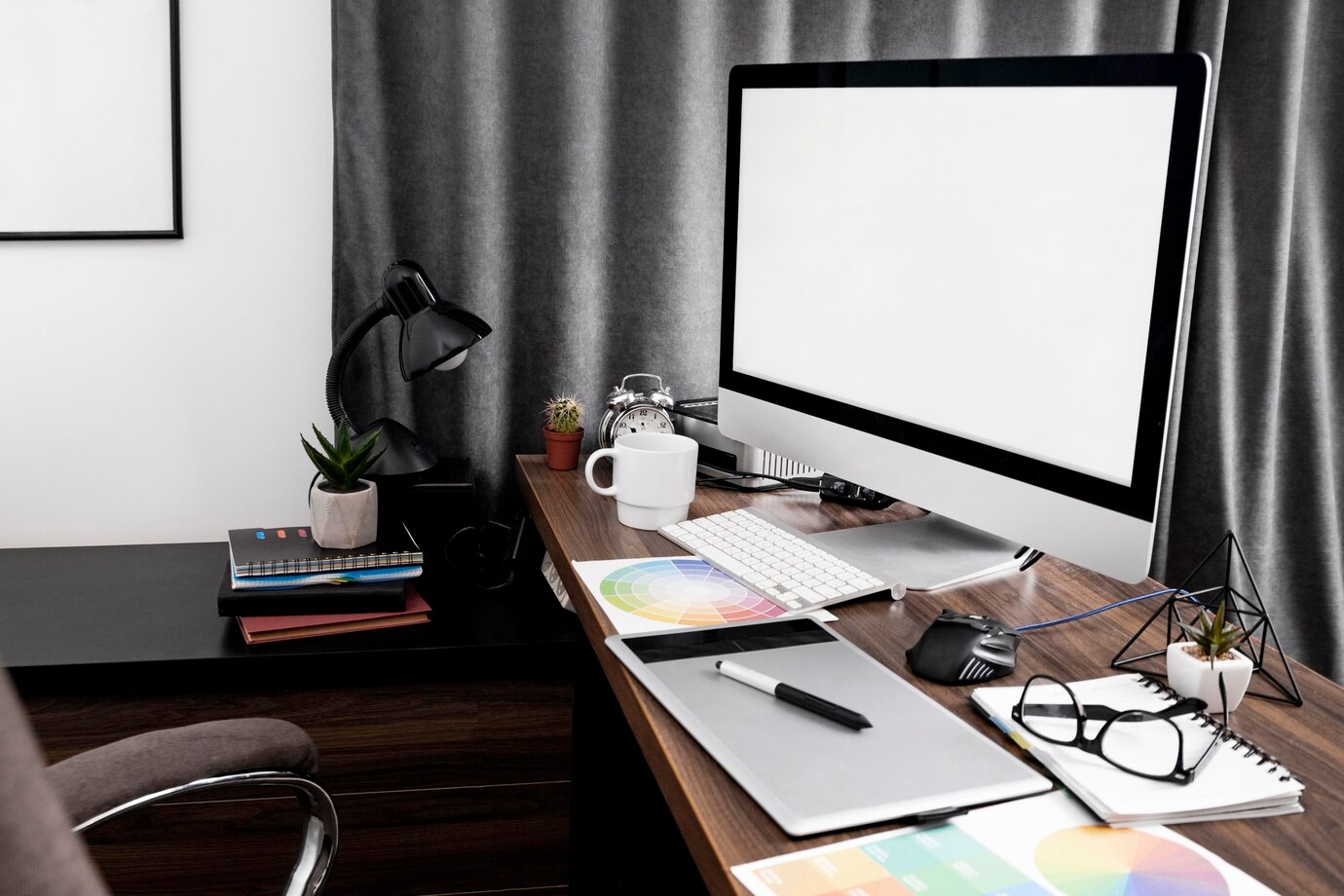
First things first: you need a dedicated workspace. It might sound basic, but having a specific spot for work or study is one of the most important work from home essentials. This doesn’t mean you need a fancy home office; even a corner of your room can work. What matters is having a space where you can focus and separate work from home life.
Essential Setup:
-
Desk: A solid desk with enough room for your computer, notebooks, and maybe a cup of coffee (or two). It should be at a comfortable height so you’re not hunching over.
-
Chair: Invest in a good chair. Your back will thank you after long hours of sitting. Look for something ergonomic if budget permits. You can find great options at Stance Philippines or even IKEA, but anything that supports your posture will do.
-
Proper Lighting: Don’t forget about lighting! Good lighting reduces eye strain and helps you stay focused. Natural light is best, but if that’s not an option, grab a desk lamp with adjustable brightness.
2. Invest in Quality Accessories
Good accessories are not just nice to have. They are work from home essentials that can make a big difference in how comfortable and efficient your workspace is. Let’s talk about a few of these essentials:
-
Laptop Stand: If you’re using a laptop, a stand is a game changer. It helps you adjust the screen to eye level, which is better for your posture. Plus, it can help keep your laptop cool.
-
Ergonomic Keyboard and Mouse: An ergonomic keyboard and mouse can make a huge difference in preventing wrist strain. They’re designed to fit the natural curve of your hand and reduce repetitive stress injuries.
3. Implement Regular Cleaning Routines
Tech can get pretty dirty, so a cleaning routine is important. Dust and crumbs can affect performance and even cause overheating.
Cleaning Supplies:
-
Keyboard Cleaning Gel: This stuff is magical. It gets into all the nooks and crannies of your keyboard and lifts out dust and crumbs. Just press it down and pull it away, and voila! Clean keys.
-
Microfiber Cloths: Look for soft materials perfect for wiping down screens without scratching them. They’re effective at picking up smudges and dust.
-
Compressed Air: Blow the dust out of vents and from under your keyboard. It’s a quick way to keep things clean and running smoothly.
4. Regularly Backup Your Data
Imagine losing all your work because you didn’t back up your data. Unfortunate, right? Regular backups are a non-negotiable work from home essential for anyone relying on their tech.
Backup Options:
-
External Hard Drives: A reliable way to keep a physical copy of your important files. They’re straightforward and you don’t need to worry about them if your internet goes out.
-
Cloud Storage: Services like Google Drive or Dropbox are super handy. They allow you to access your files from anywhere and can be lifesavers if something happens to your computer.
5. Protect Against Accidental Damage
Even with the best intentions, accidents happen. It’s smart to take steps to protect your devices. One of the work from home essentials to keep in mind is protecting your devices against damage.
Protection Tips:
-
Laptop Sleeves and Cases: A good sleeve or case can protect your laptop from scratches and minor bumps. It’s especially useful if you carry your laptop around.
-
Screen Protectors: These are great for preventing scratches and cracks on your screen. They’re affordable and can save you from a costly repair down the road.
6. Have a Contingency Plan
Even with the best setup and precautions, things can go wrong. Having a backup plan is crucial.
Contingency Measures:
-
Tech Insurance: You’ll never know what might happen to your device. With Cocogen Pro-Tech Computer Insurance, you can keep your gear safe and secure.
With Pro-Tech, both desktops (including accessories) and laptops are covered against accidental damage, liquid spills, loss, theft, and even breakdowns. Whether you’re working from home or on the go, your laptop is protected anywhere in the Philippines. Just make sure your devices are less than three years old, and you’re good to go!
This kind of insurance is a smart work from home essential because the last thing you need is a tech disaster with no backup.
Setting up a home office or study space can be overwhelming, but taking care of your tech doesn’t have to be complicated. By focusing on these work from home essentials, you can create a comfortable, efficient workspace and keep your devices running smoothly. From investing in quality accessories to backing up your data and securing your network, these tips will help you navigate the world of remote work with confidence. So, get started on setting up your space and enjoy the benefits of a well-maintained tech setup!
Want extra peace of mind? Inquire now about Pro-Tech Computer Insurance to protect your valuable devices from accidental damage, loss, and theft.
****
The views expressed are those of the author and do not necessarily reflect the views of Cocogen Insurance, Inc.
News and Events
Other Blog Posts

As domestic tourism peaks during the Philippine summer, this guide emphasizes that the secret to a s ...

Oct 24, 2025
Earthquake Preparedness Tips for Every Filipino Home
Stay protected with earthquake preparedness tips for Filipino homes. Learn safety steps and how Home ...

Stay school-ready with these back-to-school computer tips. Keep your device secure, updated, and pro ...